Documentation overview

Read the security model before building with RTO
Remote Tab Opener is designed around visible browser tabs, explicit allow-list boundaries, local-first execution, and no cookie-based automation. Before using the SDK, helpers, examples or API reference, review how RTO protects users and websites.
What is Remote Tab Opener Manager?
Start here to understand what RTO is, what it is not, and how it differs from tab managers, remote desktop, and cloud bots.
AI-safe quickstart first
Use the AI-safe quickstart when an assistant or a new integrator needs a strict detect-first path that prevents invented APIs. For trust and boundaries, read the public security model first.
Real tabs, explicit trust
RTO works through real visible tabs, a deny-by-default allow-list, and named safe actions rather than arbitrary code injection.
RTO_helpers are first-class
The helper pages explain when to load a single file, when to choose RTO.core/RTO.ui/RTO.allowlist/RTO.favorites/RTO.domtools, and when to stay with the SDK bundle.
What is Remote Tab Opener?
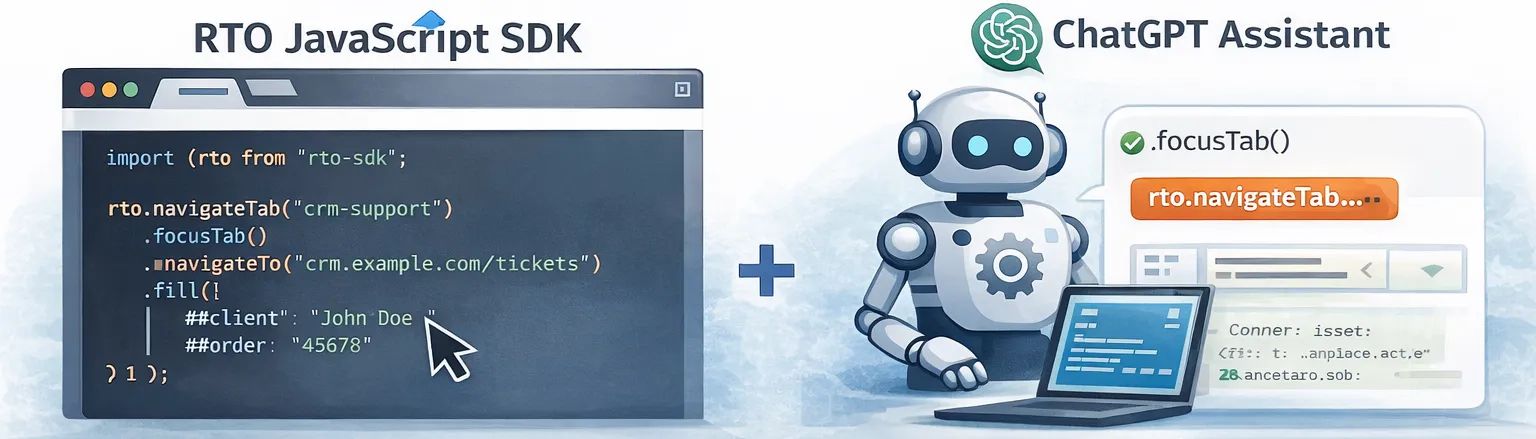
Remote Tab Opener (RTO) lets a web page (your app) communicate with the RTO browser extension to open, navigate, focus, and reuse real tabs and to run safe DOM actions inside a controlled tab, including a tab on another explicitly allow-listed domain.
window.RTO_PAGE_ORIGIN = "my-admin-page";(This docs site sets it automatically in
assets/doc-head.php.)
Quickstart (copy/paste)
This is the smallest example that detects the extension, opens a tab, waits for a selector, then reads text.
Note: the target host must be allow-listed first (see Allow-list), otherwise you will get DOMAIN_NOT_ALLOWED.
<!-- 1) Load the core helper -->
<script src="../RTO_helpers/RTO_form_api.js"></script>

<script>
(async function(){
  const tabKey = "demoTab";
  try {
    // 1) Detect the extension
    await RTOForm.detect(1500);

    // 2) Open (or reuse) a controlled tab
    await RTOForm.openTab(
      { tabKey, url: "https://example.com", focus: true},
      { timeoutMs: 15000 }
    );

    // 3) Wait for a selector, then read text
    await RTOForm.waitForSelector({ tabKey, selector: "h1" }, { timeoutMs: 8000 });
    const data = await RTOForm.getText({ tabKey, selector: "h1" }, { timeoutMs: 8000 });

    console.log("h1 text:", data.text || data.value || data);
  } catch (err) {
    console.error("RTO error:", err);
  }
})();
</script>
Optional: show a status banner
If you are just starting, a small status banner makes setup much easier (detect + allow-list state):
<!-- Optional: a beginner-friendly status banner -->
<div id="rtoStatus"></div>

<script src="../RTO_helpers/RTO_form_api.js"></script>
<script src="../RTO_helpers/RTO_connector.js"></script>
<script src="../RTO_helpers/RTO_domainList.js"></script>
<script>
RTOconnectOnce(1500).then(function(connected){
  var host = location.hostname;
  var box = document.getElementById("rtoStatus");

  if(!connected){
    box.textContent = "RTO extension not detected.";
    return;
  }

  return RTOAllowlist.has(host).then(function(allowed){
    box.textContent = allowed
      ? "RTO ready on " + host
      : "RTO detected, but " + host + " is not allow-listed yet.";
  });
});
</script>
Core concepts
- tabKey: a string identifier for the controlled tab (example:
"billingTab"). You choose it. - Allow-list: the extension only works on hosts the user allowed.
- Controlled tab: the extension can only run DOM actions inside a tab it controls (opened/adopted by RTO).
- Timeouts: every request has a timeout. Use
waitForSelectorfor dynamic pages.
Downloads
The easiest entry point is now the SDK page. It helps you choose between the SDK, RTO.min.js, helper packs, and individual helper files.
RTO.core, RTO.ui, RTO.allowlist, RTO.favorites, RTO.domtools) or individual helpers only when you want more control.Helper files (JS)
Each helper file is documented in Helpers and is also downloadable directly:
| File | What it does | Download |
|---|---|---|
RTO_form_api.js |
Core API wrapper (recommended for all projects). | Download |
RTO_form_helpers.js |
High-level robust helpers for remote form automation on top of RTOForm. | Download |
RTO_detector.js |
Small helper to detect the extension once. | Download |
RTO_connector.js |
Detect + set a global connection flag for UI helpers (window.RTOconnected). |
Download |
RTO_tabsList.js |
Normalized listTabs snapshot utilities, used by tab-aware UI helpers. |
Download |
RTO_openTab_button.js |
Bind buttons to open or focus a remote tab. Existing tabs are focused first, and a reused tabKey stays predictable in 8.5.0. |
Download |
RTO_openTabsListing.js |
Fill a <tbody> with currently controlled tabs. Primary tbody id: openTabsBody; legacy openTabsBoby is still accepted. |
Download |
RTO_visible_when_tab.js |
Show/hide elements depending on whether a tabKey is currently open. |
Download |
RTO_domainList.js |
Allow-list API wrapper. Page-side add requests now use allowlistAddRequest and wait for master-tab confirmation. |
Download |
RTO_addRemoveDomain.js |
Allow-list UI binder with user-facing messages for confirmation, approval, or cancellation. | Download |
RTO_favoritesList.js |
Favorites API wrapper. URLs are normalized and deduplicated, while labels are kept when available. | Download |
RTO_addRemovefavorite.js |
Favorites UI binder that shows “Added” or “Removed” only after a real success response. | Download |
RTO_DOM_focus.js |
Focus a selector inside a controlled tab. | Download |
RTO_DOM_highlight.js |
Highlight a selector inside a controlled tab. | Download |
RTO_DOM_style.js |
Apply inline styles to a selector inside a controlled tab. | Download |
RTO_DOM_actions.js |
Button-driven read/write/highlight/close actions. | Download |
Next
- Getting started (recommended)
- Allow-list (required for most real sites)
- Tab control API + DOM automation API